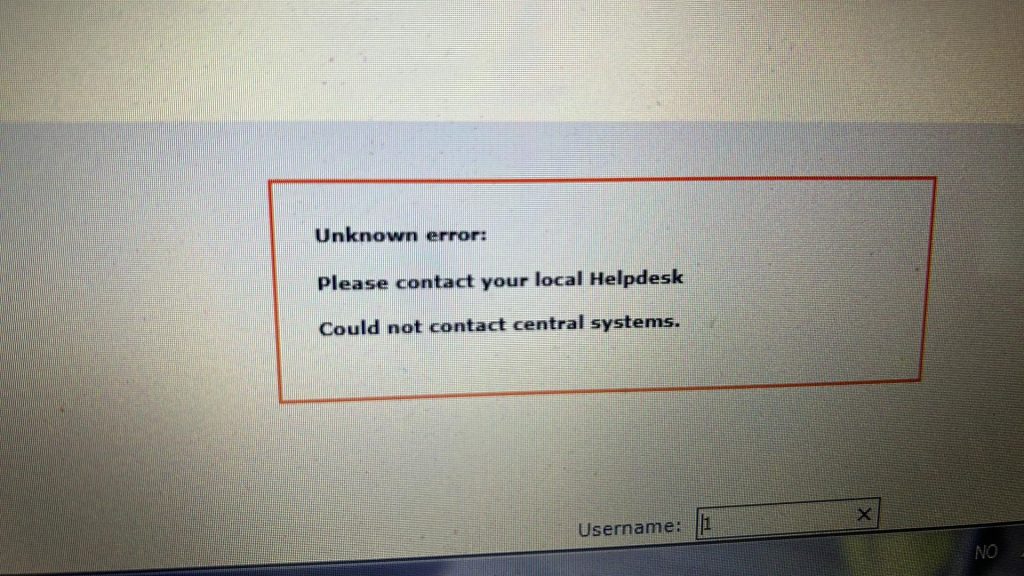
At various times , V1DA 2014d will for reasons unknown, decide it needs to be re-patched.
It will not always generate an error, sometimes its just refreshes the page with no indication of whats wrong.
This patch will not expire until the year 2130.
Follow these steps to fix it.
- Download this patch from HERE
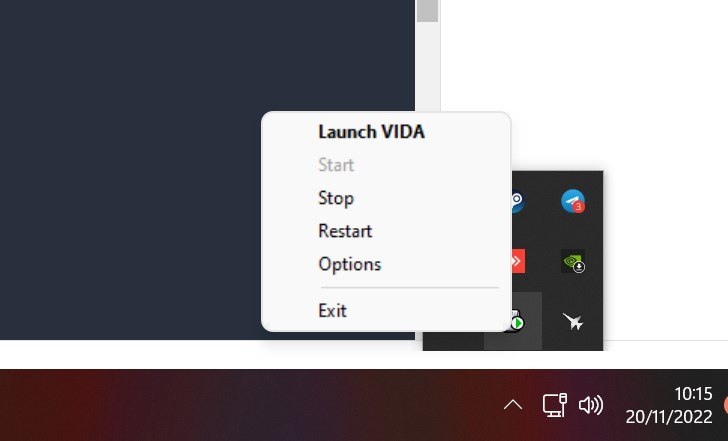
- Stop V1DA Monitor by RIGHT clicking on V1DA monitor down by the clock on the taskbar.
- Left click on Stop.
- Right click on V1DA monitor again and click exit
- Now find the patch you downloaded (VOLVO VIDA 2014D Patch 213064bit.exe), right click on it, and choose “run as administrator”.
- The “Destination folder” SHOULD BE C:\ . C:\ is correct. Not c:\vida!
- Click install. It is normal for it to say TSkill is missing and show other info, that’s fine, ignore.
- Done